Ads
Warning
Unity Ads support is experimental but it should work on 0.0.2 and up.
Ads support has two limitations for now:
The
Initial Activity Check Bypassflag should be enabled (The editor script will do this automatically)You can only show an ad in activity, not wallpaper.
Before enabling Unity Ads support
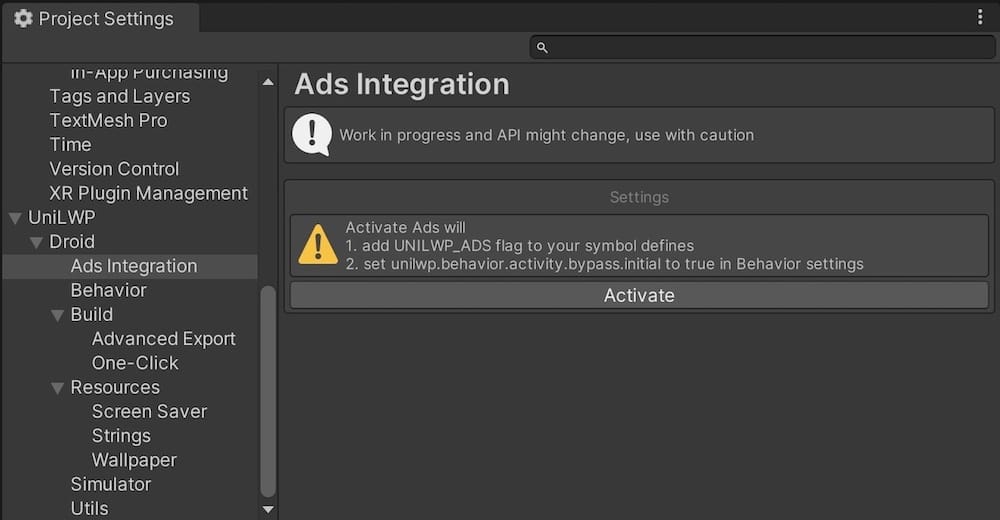
After enabling Unity Ads support
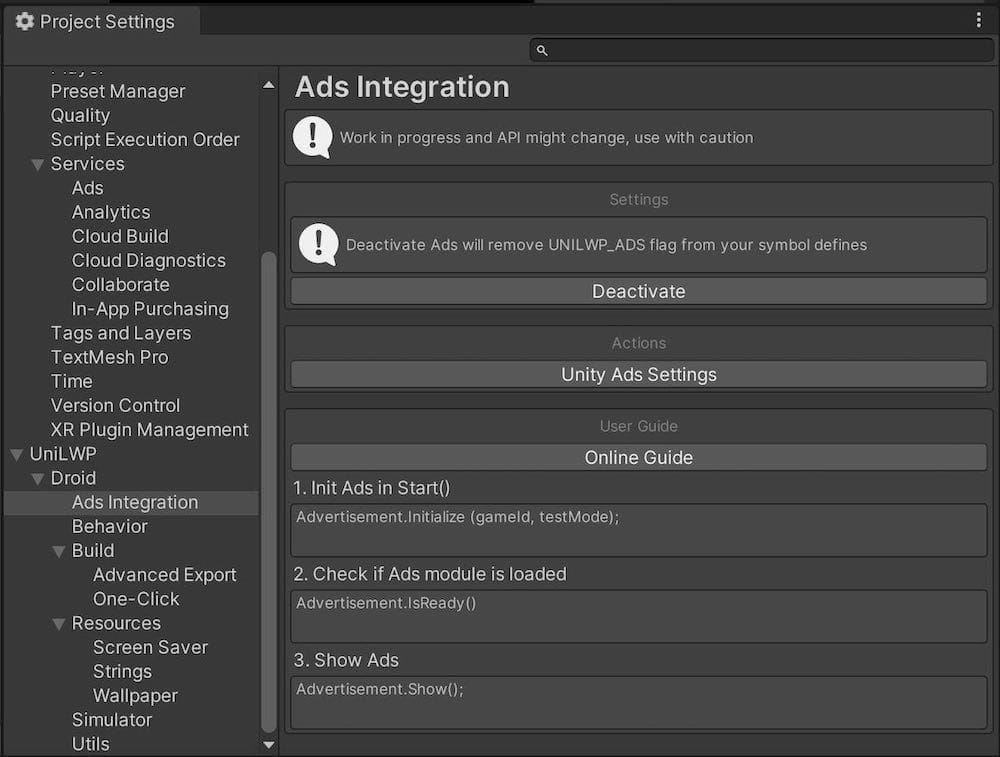
To enable it, you need to:
Go to the UniLWP Ad setting panel at
Project Settings/UniLWP/Droid/Ads IntegrationClick ‘Activate’ button. This step will:
Add
UNILWP_ADSto your Android platform define symbols to enable certain blocks of code bound by#ifdefconditional compile flagsSet
unilwp.behavior.activity.bypass.initialto true so that Unity Ads native library could acquire a proper context viaUnityPlayer.currentActivityat startup.
Click ‘Unity Ads Settings’ button to setup your ads and optionally add ads dependency.